Wonderland Controls
Roblox defaults plus the stamina rules the park actually enforces.
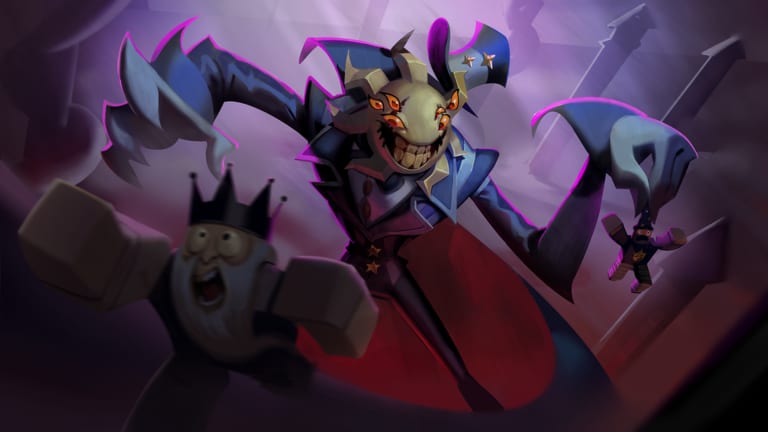
ScaryPlay has not posted a unique Wonderland keymap. You will use Roblox movement, Roblox camera, and a sprint that spends a bar. This page is the habit sheet. Rebind in Roblox settings if you need to. Do not hunt a secret park-only layout.
Pair it with survival (why walking matters) and Getting Started (where the lobby buttons are). Shop clicks for codes are on how to redeem, not here.
All platforms
- Move with the default stick or WASD.
- Sprint only in bursts. The bar empties on a hold and refills while you walk.
- Look up in tight halls. Head Spider is a community nickname for a reason.
- Interact on levers and Shop prompts with the platform use button. Do not mash while a teammate is mid-sequence — puzzles.
- Camera high enough to see flicker (Mr. Sun) and low enough to see floor masks.
Standing still is a weak recover. Walk toward the next cover. That single sentence is the control scheme.
PC
WASD, Shift-style sprint if you have not rebound it, mouse look, E or the on-screen prompt to use. Click the lobby Shop with the mouse before you board. In a chase, release sprint before a corner so you can take it. Wonder hears the hold, not your intention. Named threats.
If you rebound sprint to a mouse button, you will dump the bar by accident. Put it on a key you must choose.
Mobile
Thumb stick plus the sprint glyph. The Shop hit box is smaller; zoom graphics if the teal shopfront vanishes into the set. When the keyboard covers Redeem, dismiss it, then tap. In the park, do not pin sprint to “always on” accessibility hacks that hold the button. You will donate the shared life pool.
Use a grip that lets you release sprint without losing the stick. Two-thumb players should practice a walk in the lobby before the coaster.
Console
Left stick move, click or the bound sprint control, right stick look. Highlight lobby rows with the same cursor you use for the Shop. If sprint is on a click-stick, you will tap it in panic. Rebind if you keep emptying the bar on camera flicks.
Combat controls are still movement
The Hammer and Minigun use the experience’s tool buttons. The important control is the decision to put the tool away and walk. Combat is the when. This page will not invent DPS binds.
Stack calls
Bind push-to-talk if you use voice. A hot mic while you breathe through a Wonder hallway is comic and fatal. Co-op wants short calls: “walking,” “lever,” “two lives.”
If a patch adds a crouch or a dedicated walk toggle
It will land on what’s new and here. Until then, walk is the analog of “not sprint.” That is enough to finish escape and to reach the planner with a bar left.
Practice the release. The park is a carnival. Your thumb is the difficulty setting. If you remember only one bind, remember the one that lets you stop sprinting on purpose.
Frequently Asked Questions
Quick answers to the most common questions.
What is the Wonderland sprint key?
Whatever you bound in Roblox. The rule is the bar: burst, then walk to recover.
Is there a unique console layout?
Not a published park-only map. Use default movement and rebind sprint if click-stick dumps your bar.
Where do I redeem codes on mobile?
Lobby Shop, Codes gift tab. This page is movement. The redeem guide is the menu path.
Does crouch hide me from Wonder?
Walking already defeats his sprint hear. Use crouch if you have it and the lane is tight, but do not treat it as a missing official bind.

Tools
Wonderland tools: a Wonder Shop Ticket planner and a controls sheet for phone, PC, and console play. Read before your next sit.
Shop Planner
Wonderland Ticket planner with community shop prices and sample loadouts for solo and co-op. Assign who buys the Radio before you board.
Guides Overview
Wonderland Roblox guides for first runs, escape routes, stamina, puzzles, co-op, and combat after a wipe. Read before your next sit.
Codes
Active Wonderland Roblox codes, including RELEASE26 for 100 Gems, plus redeem steps and expiry notes to check.